Email authentication is the set of technical controls that verify whether an email was legitimately sent by the domain it claims to be from.
Without it, attackers can send emails that appear to come from your domain, your brand, your support address, your finance team, with no indication to recipients that anything is wrong.
Protecting email authentication is not a configuration task you do once. It is an ongoing defensive posture.
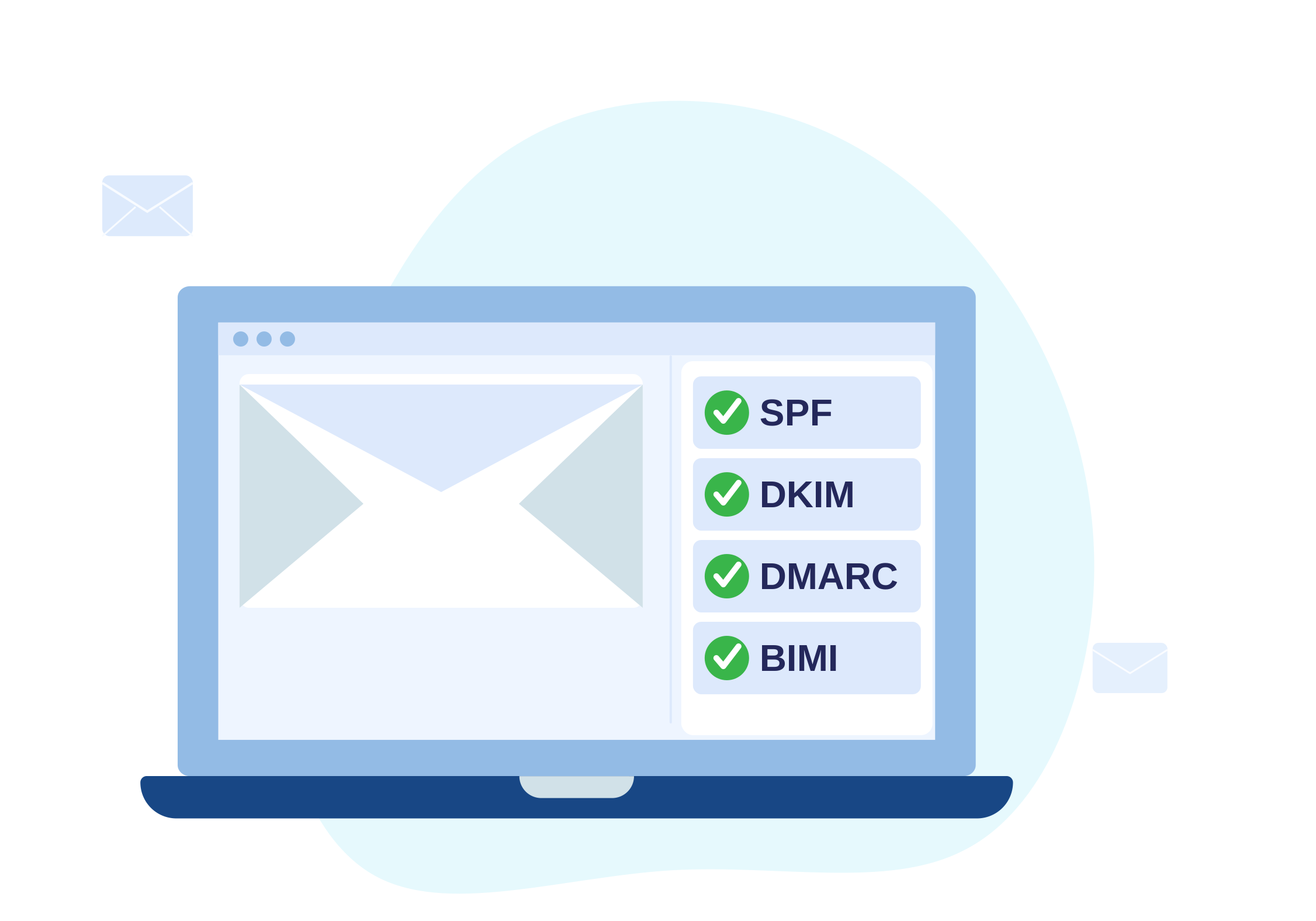
What email authentication actually does
Email authentication relies on three main standards working together:
- SPF (Sender Policy Framework), defines which mail servers are authorised to send email on behalf of your domain
- DKIM (DomainKeys Identified Mail), attaches a cryptographic signature to outbound emails so recipients can verify they have not been tampered with
- DMARC (Domain-based Message Authentication, Reporting and Conformance), ties SPF and DKIM together, tells receiving mail servers what to do with emails that fail checks, and sends reports back to you
When all three are correctly configured and enforced, it becomes significantly harder for attackers to impersonate your domain.
Why attackers target your email domain
Email remains one of the most trusted communication channels between organisations and their customers, partners, and staff. That trust is exactly what attackers exploit.
Common attack patterns include:
- Direct domain spoofing, sending email that appears to come from
yourdomain.comwith no authentication in place - Cousin domain attacks, registering lookalike domains (
y0urdomain.com,yourdomain-support.com) to pass basic checks - Subdomain abuse, exploiting unmonitored subdomains that lack their own authentication records
- Third-party sender gaps, legitimate services you use that are not included in your SPF record, creating spoofing openings
Without proper authentication, any of these can result in emails that appear legitimate reaching inboxes at scale.
The real-world impact of weak email authentication
Phishing campaigns using your brand
If your domain has no DMARC policy, or a policy set to p=none, attackers can send phishing emails that look exactly like they came from you. Recipients have no way to know the difference without checking headers.
This leads to credential theft, fraud, and direct harm to your customers.
Damaged sender reputation
Mail servers track whether email from your domain passes authentication. A domain being actively abused accumulates a poor reputation, which can cause legitimate emails, including customer communications and transactional emails, to land in spam or be rejected entirely.
Reduced customer trust
When customers receive convincing phishing emails appearing to come from your brand, the damage is not limited to those who were deceived. Even customers who recognise the scam begin to doubt legitimate emails from you.
That erosion of trust is difficult to rebuild.
Regulatory and compliance exposure
Many compliance frameworks, including those aligned with GDPR, financial services regulations, and sector-specific standards, expect organisations to take reasonable steps to protect their communications infrastructure.
Misconfigured or absent email authentication is increasingly treated as a demonstrable control gap.
What "protecting" email authentication means in practice
Getting to enforcement is not just a matter of adding DNS records. Protection requires ongoing management.
1. Audit your current configuration
Most organisations have partial authentication in place. Common gaps include:
- SPF records that are too permissive or missing third-party senders
- DKIM selectors that have not been rotated
- DMARC policies stuck at
p=nonewith no plan to move to enforcement - Subdomains with no authentication records at all
A DMARC and BIMI checker can give you an immediate view of where your domain stands.
2. Move to enforcement, not just monitoring
p=none is a starting point for gathering data, not a finished state. The goal is to reach p=quarantine or p=reject, which instructs receiving servers to block or filter emails that fail authentication checks.
Moving to enforcement requires:
- identifying all legitimate email sources and including them in SPF
- ensuring DKIM is configured for all sending systems
- validating DMARC reports regularly to catch gaps before tightening the policy
3. Monitor DMARC reports continuously
DMARC aggregate reports (RUA) tell you which sources are sending email as your domain, how many are passing or failing, and where new senders are emerging.
Ignoring these reports means you are flying blind. Changes to your sending infrastructure, new marketing platforms, CRM integrations, support tools, can break authentication silently.
4. Protect subdomains and lookalike domains
Authentication on your primary domain does not protect subdomains that lack their own records. Attackers regularly exploit these gaps.
Similarly, registering and locking down predictable lookalike domains reduces the attack surface available to phishing campaigns.
5. Add BIMI to reinforce visual trust
BIMI (Brand Indicators for Message Identification) allows your brand logo to appear next to emails in supported mail clients, but only when DMARC is at enforcement level.
Beyond the visual benefit, BIMI signals to recipients that your email authentication has been verified. It reinforces legitimate communications at the inbox level.
How email authentication fits into broader phishing defence
Email authentication is one layer of a wider defensive posture. It is most effective when combined with:
- phishing simulation, testing whether staff recognise and report suspicious emails
- website monitoring, detecting phishing infrastructure using your brand before it reaches inboxes
- takedown services, removing active phishing sites and fraudulent domains
- dark web scanning, identifying early signals of campaigns targeting your domain or customers
Authentication stops impersonation at the protocol level. Monitoring and response capabilities deal with threats that get through or operate outside your direct control.
FAQ
My DMARC is set to p=none. Am I protected?
No. p=none only monitors, it does not instruct receiving servers to block or quarantine failing email. It is a starting configuration for gathering data, not an enforced protection.
Does email authentication stop all phishing?
No. Authentication prevents direct domain spoofing but does not stop lookalike domains, compromised accounts, or social engineering that does not rely on spoofing your domain. It should be one layer in a wider approach.
How long does it take to reach DMARC enforcement?
Timelines vary depending on the complexity of your sending infrastructure. Organisations with a small number of sending systems can often move to enforcement within weeks. Larger environments with many third-party senders typically take two to three months of careful monitoring before tightening policy safely.
What happens if I go to p=reject too quickly?
Legitimate emails from senders not correctly covered by your SPF or DKIM configuration may be rejected. This is why DMARC report monitoring is essential before tightening policy, to identify all legitimate sending sources first.
Summary
Weak email authentication gives attackers a direct route to impersonate your domain, harm your customers, and damage your reputation. Protection means more than having records in place, it means reaching enforcement, monitoring continuously, and keeping configuration accurate as your infrastructure changes.
The cost of doing this properly is low. The cost of not doing it is measured in fraud, lost trust, and real harm to the people who rely on communications from your brand.
Next steps
- Check your current configuration with the DMARC and BIMI checker
- Review email authentication solutions for managed protection
- Use takedown services if impersonation is already active
- Contact us to discuss your current posture